18
submitted 1 day ago* (last edited 1 day ago) by lascapi@jlai.lu to c/kde@lemmy.kde.social

Hi there, I like KDE and also minimalism.

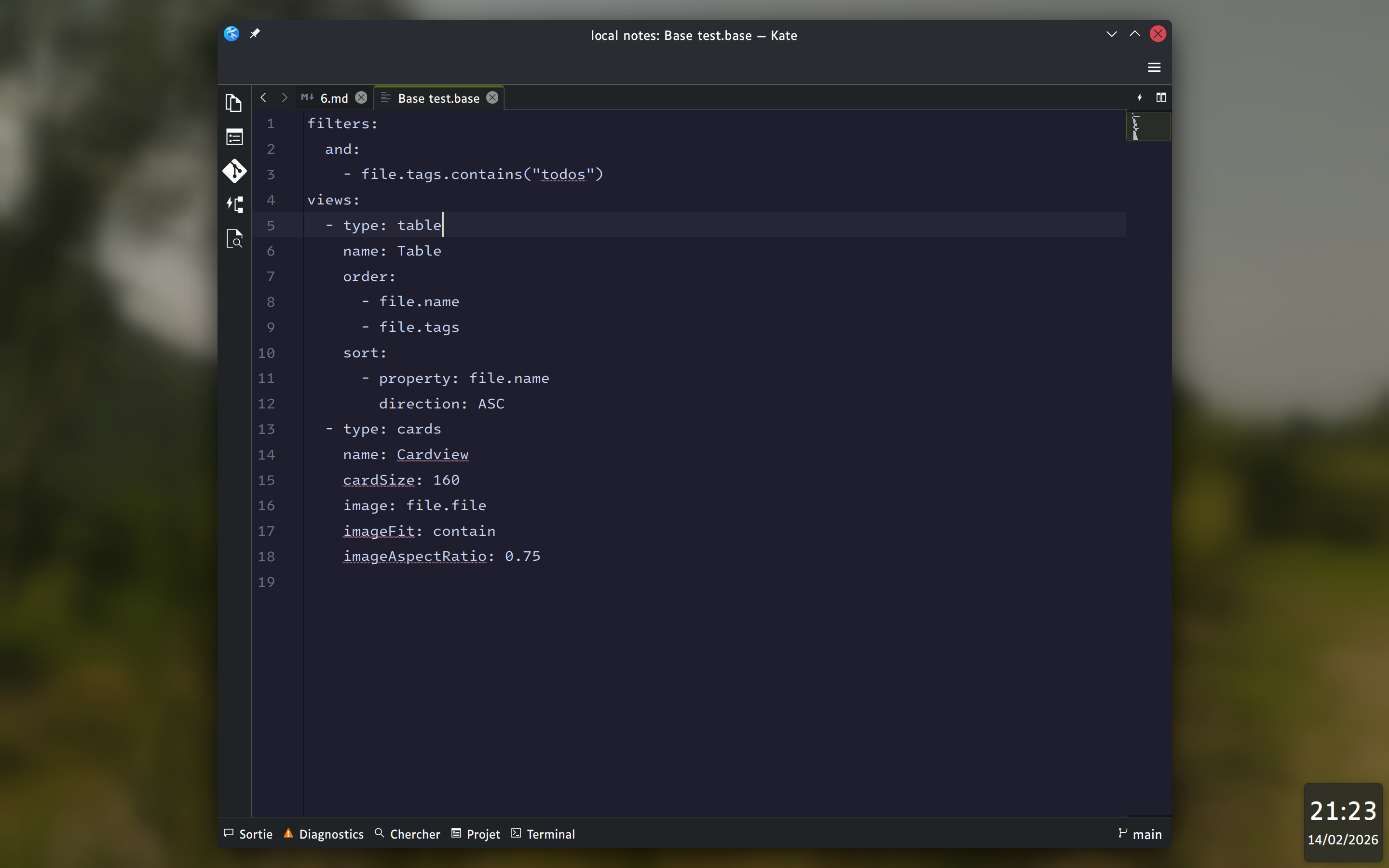
I try to decluter a bit my virtual desktop and I wonder how I can change the panels and widgets colors and transparency. In this example I would like to change the hour in the bottom right corner, the opacity of the background and the color of the text.

I searched "everywhere" in the menu without seeing something useful, I tried also the manual but they are not mentionning that.

Maybe it's not possible? But if it is, can you tell me how? Thank you :)
top 1 comments
sorted by: hot top controversial new old
[-] mmmm@sopuli.xyz 6 points 1 day ago* (last edited 1 day ago)

You'd want to take a look at the Panel Colorizer plasmoid.*

Edit: Oh, forgot that you want to also change the opacity of the plasmoids too - but as far as I know there is no "easy" way to do that but editing the svg files that are used to draw the plasmoids. Another reason I too think relying on SVG to draw panels and plasmoids in Plasma is a travesty and they should use QML for that.

* Yes, I still call them plasmoids because I still refuse to call them "plasma widgets"

this post was submitted on 14 Feb 2026
18 points (95.0% liked)

KDE

7650 readers
29 users here now

KDE is an international technology team creating user-friendly free and open source software for desktop and portable computing. KDE’s software runs on GNU/Linux, BSD and other operating systems, including Windows.

Plasma 6 Bugs

If you encounter a bug, proceed to https://bugs.kde.org, check whether it has been reported.

If it hasn't, report it yourself.

PLEASE THINK CAREFULLY BEFORE POSTING HERE.

Developers do not look for reports on social media, so they will not see it and all it does is clutter up the feed.

founded 2 years ago
MODERATORS