237
I'm still pretty useless with Linux, but I'm trying to learn
(sh.itjust.works)
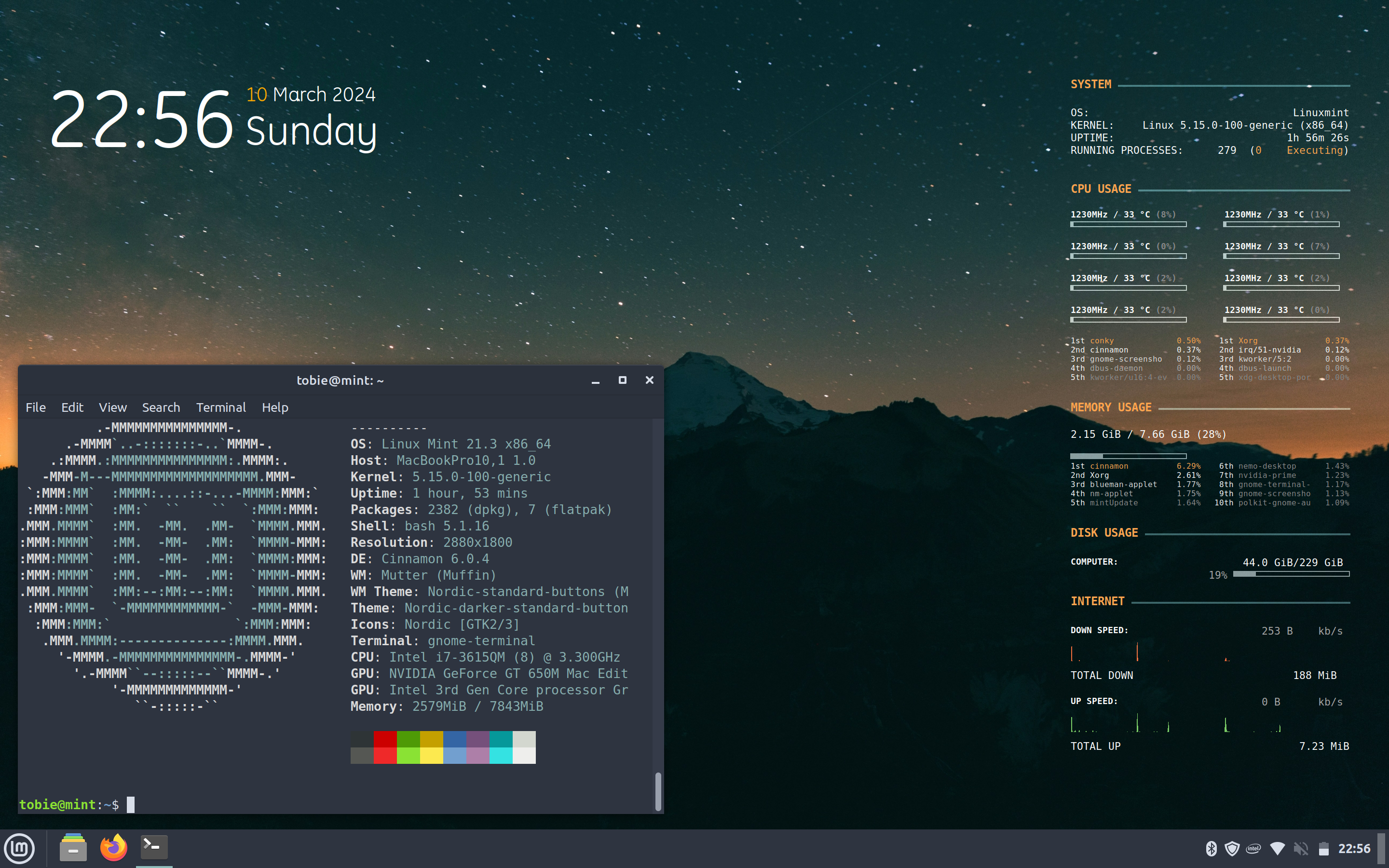
Submit screenshots of all your *NIX desktops, themes, and nifty configurations, or submit anything else that will make themers happy. Maybe a server running on an Amiga, or a Thinkpad signed by Bjarne Stroustrup? Show the world how pretty your computer can be!
Where does this System Information edit: on the right side as desktop overlay come from?
Conqi widgets
Thanks!
type neofetch into your terminal
I meant the right side. Sorry, I should have clarified.
i assume thats conky?
Yeah it’s plain old Conky.
Trying to be incredibly non-invasive and able to backtrack on anything I do. So nothing extra installed and no Conky Manager, all just using someone else’s conky.conf settings I found online, which I then tweaked (and removed some bits I couldn’t get working!)
Interested as well :)
conky (i think)
Thanks!
My guess is conky. I use it too but mine doesn't look anywhere near as nice as OP's does.
Can’t take any credit, but found this after doing some searching
https://github.com/andeon/conky-simple
Much appreciated!