76
This is incredible, thank you very much !
This is incredible, thank you very much !
Has anyone tried it out? Seems amazing.
i'm curious to see how much it mispronounces words like earlier iterations from different projects did.
I’d honestly probably be less annoyed by a machine mispronouncing words than I am when a human reader does it..
I know I shouldn’t be annoyed because language is difficult and not everyone has heard every word.. but you’d think they would, like, check instead of saying something wrong 1,000 times (especially since the books I listen to are mostly science communication and science history)
I installed it yesterday and started having it chug through the Murderbot series I got in epub format. It seemed to be taking forever, but then I checked a system monitor and discovered it was using the GPU to do most of the work. So whenever my GPU-heavy screen saver kicked in, it slowed to a crawl.
At any rate, it was done this morning but then I forgot to bring the files to work, so I can't say at this point how good a job it did? It was a bit of a pain to install because it needed Python 12 and wouldn't accept Python 14 for some reason, and pyenv on my Mac is a bit of pain because it hates tkinter. Go figure. But I got it working in the end.
A little follow-up on this. Tonight I had a look at what it generated. It produced 2 files: a .wav and a .ass. The latter apparently contains subtitles that sync to the audio. But how do you play them together?
After searching around online, the general consensus seemed that you need to make a video file that throws it all together. For the background image I used a still of the book cover art. Then I ran an ffmpeg command that looked something like this:
ffmpeg -loop 1 -i cover.jpg -i abogen_file.wav -vf subtitles=abogen_file.ass -shortest audio_book.mov
It sounds pretty awesome and looks like this while it's playing!
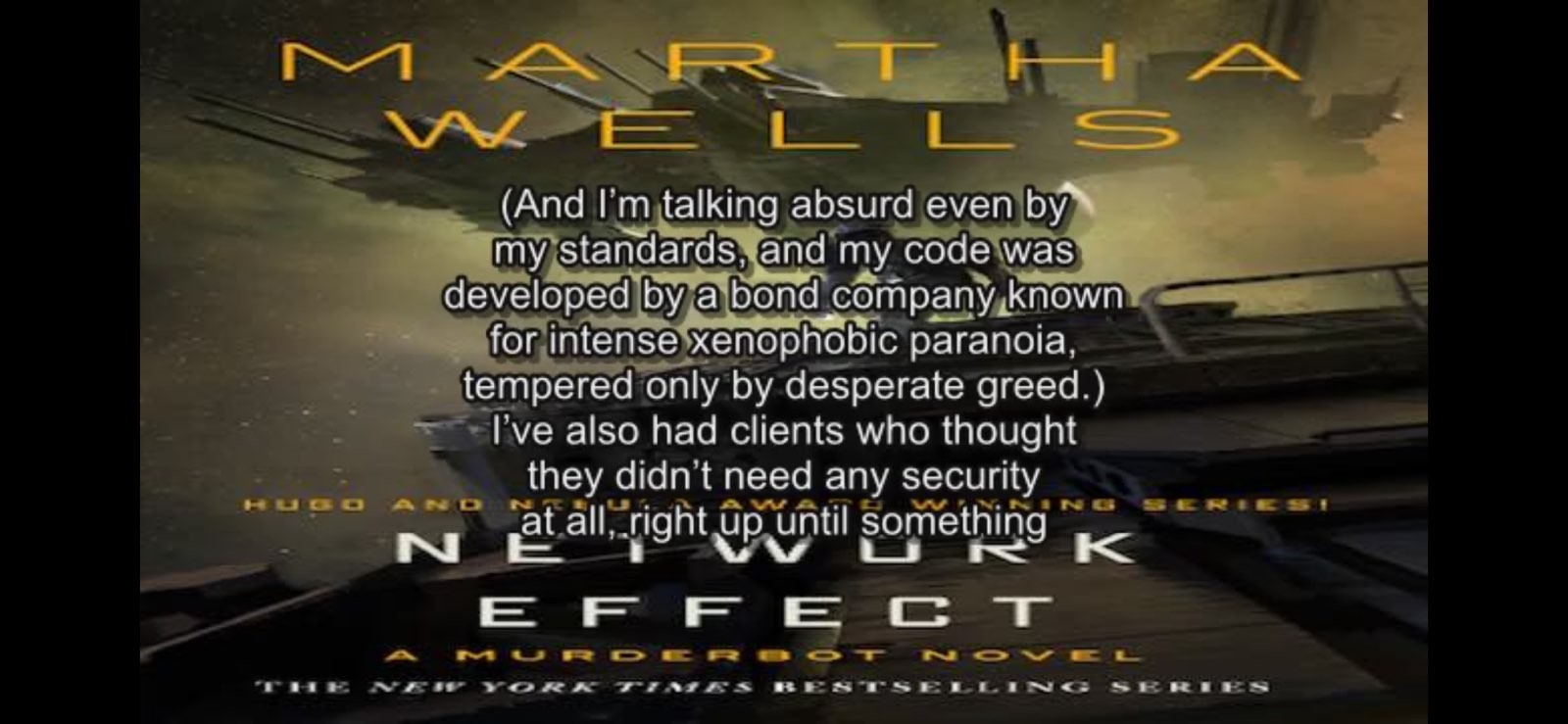
If you use VLC or some other capable player it'll automatically pick up the subtitles if they have the same name (sans extension).
Are you from the distant future? I have never heard anyone call Python 3.12 just Python 12.
whenever my GPU-heavy screen saver kicked in
So, a combined "Screen-saver" / "GPU-murderer" ? Neat - we can't save everyone ! ;-)
If you're looking for an alternative that doesn't use generated audio https://gitlab.com/storyteller-platform/storyteller is an awesome project to generate ebooks with synchronized captions from a normal epub + audiobook input.
If you have a human-narrated audiobook, you can use Storyteller to synchronize those.
AI-TTS still doesn't do it for me. It's either the mispronunciation of proper nouns or the cadence putting me to sleep. Maybe in a few years, I'll try again.